Publishing a page
Walkthrough of how to create, edit, and publish pages using the Remarkable Commerce Manager CMS.
Below is a step-by-step guide on how to create and publish pages using the Remarkable Commerce Manager (RCM) Content Management System (CMS).
How to video
How to get from empty page to published page.
Log in to your Remarkable Commerce Manager account.
From the dashboard, navigate to the CMS section.
Click on "Create New" to start a new page.

Fill in the page name, URL, and other relevant details and Save
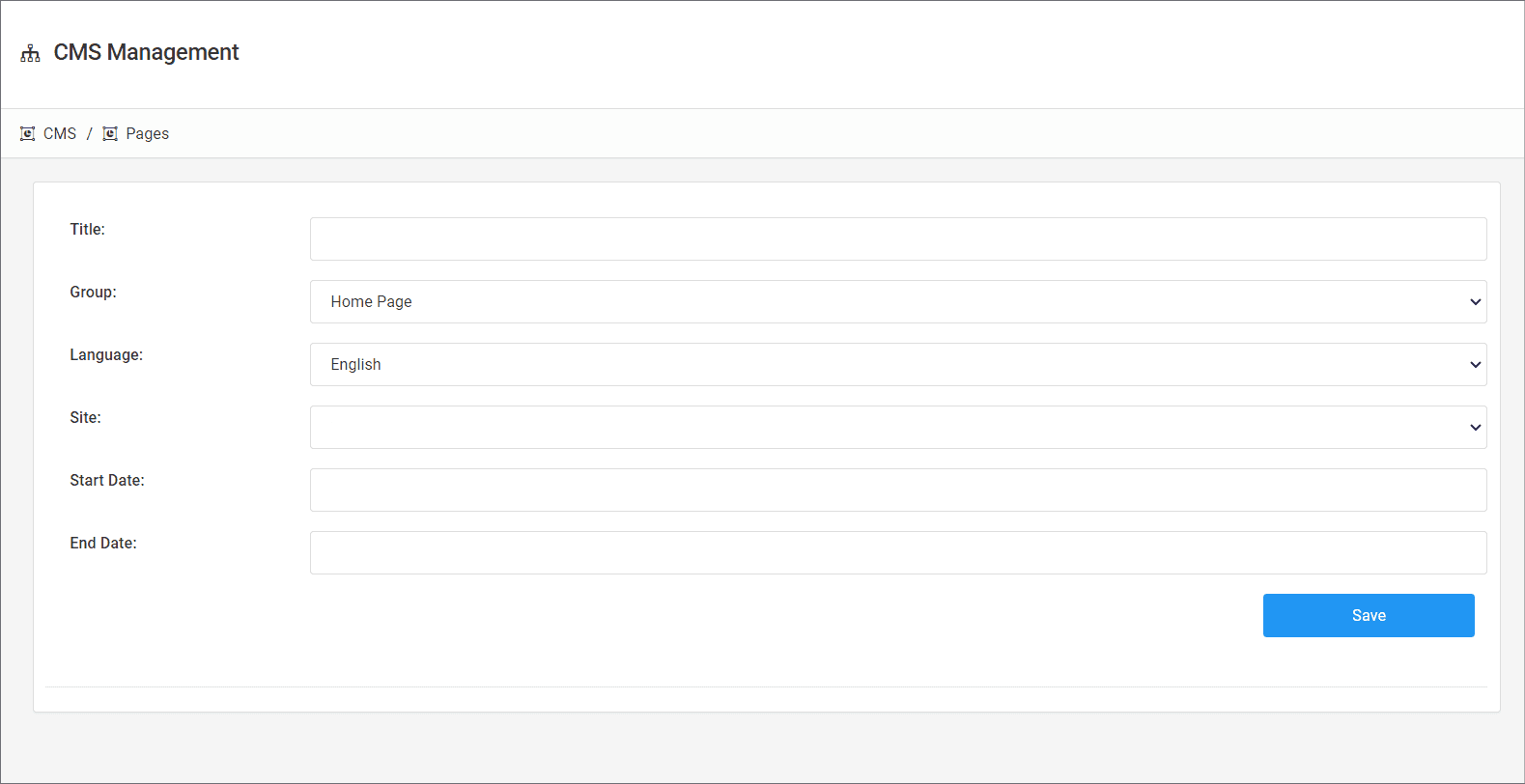
Click edit to get back into this page

Click Build to enter the page editor.

Use the layout builder to structure your page with rows and columns.
Drag and drop components (e.g., text, images, banners) into your layout.
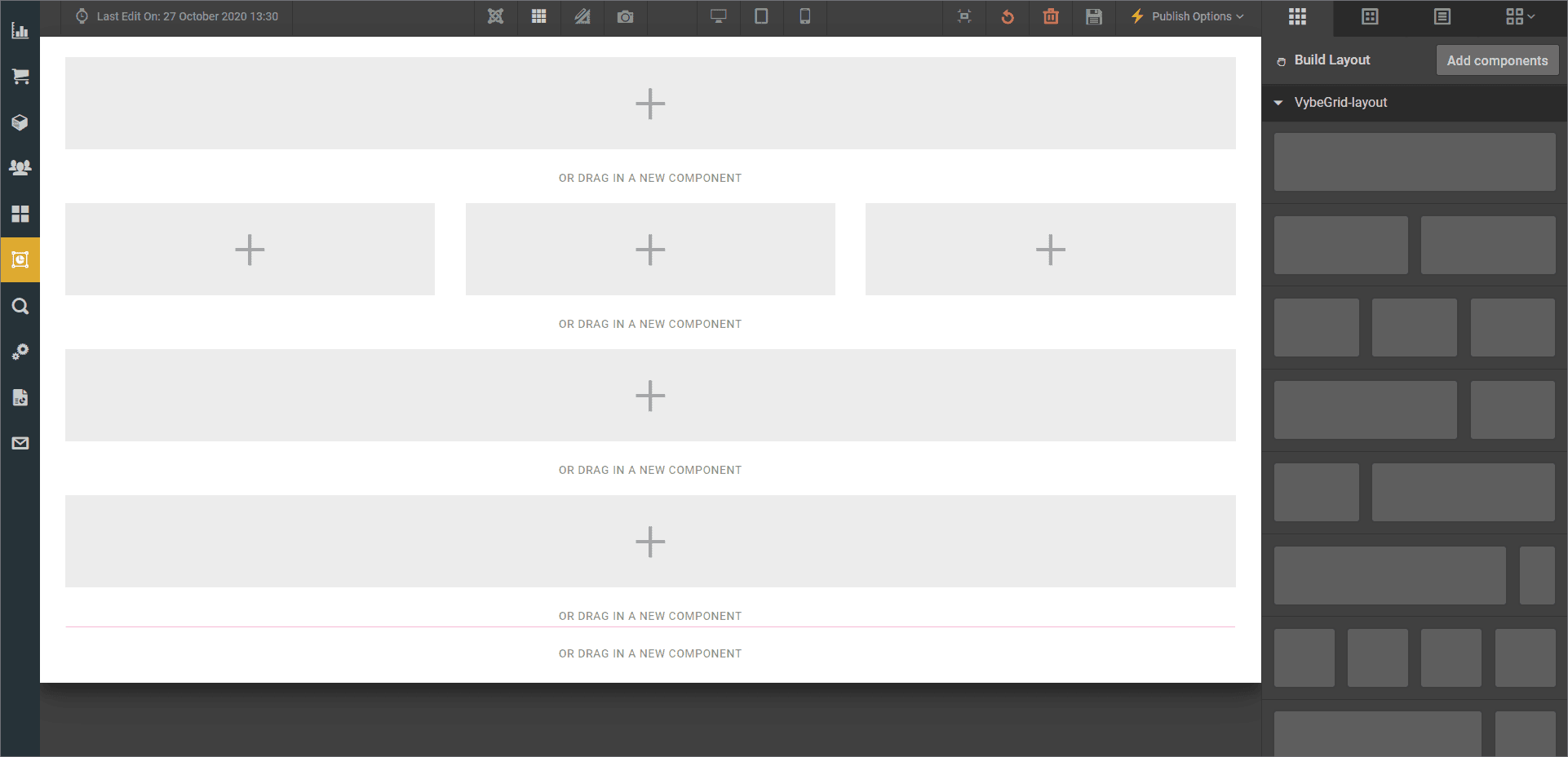
Customize each component's settings as needed.
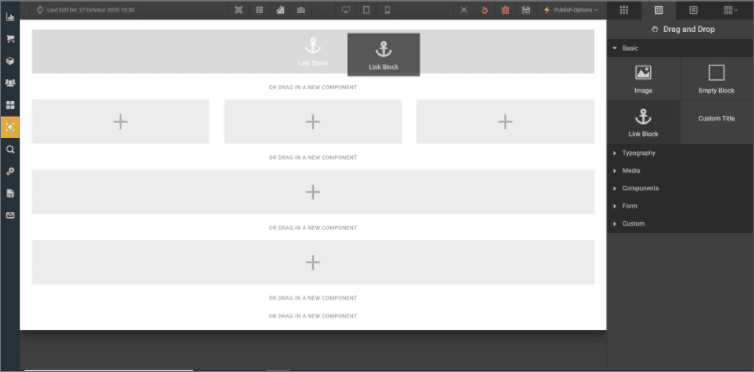
Save your work as a draft to avoid losing changes.
Use the preview function to see how your page will look live.
Once satisfied, click "Publish" to make your page live.
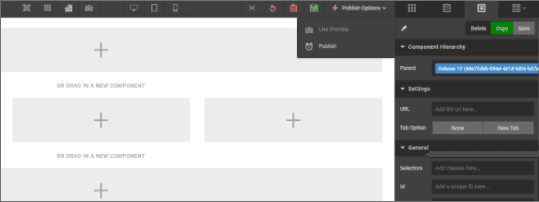
If it's a new page, assign the URL and set the go-live date.
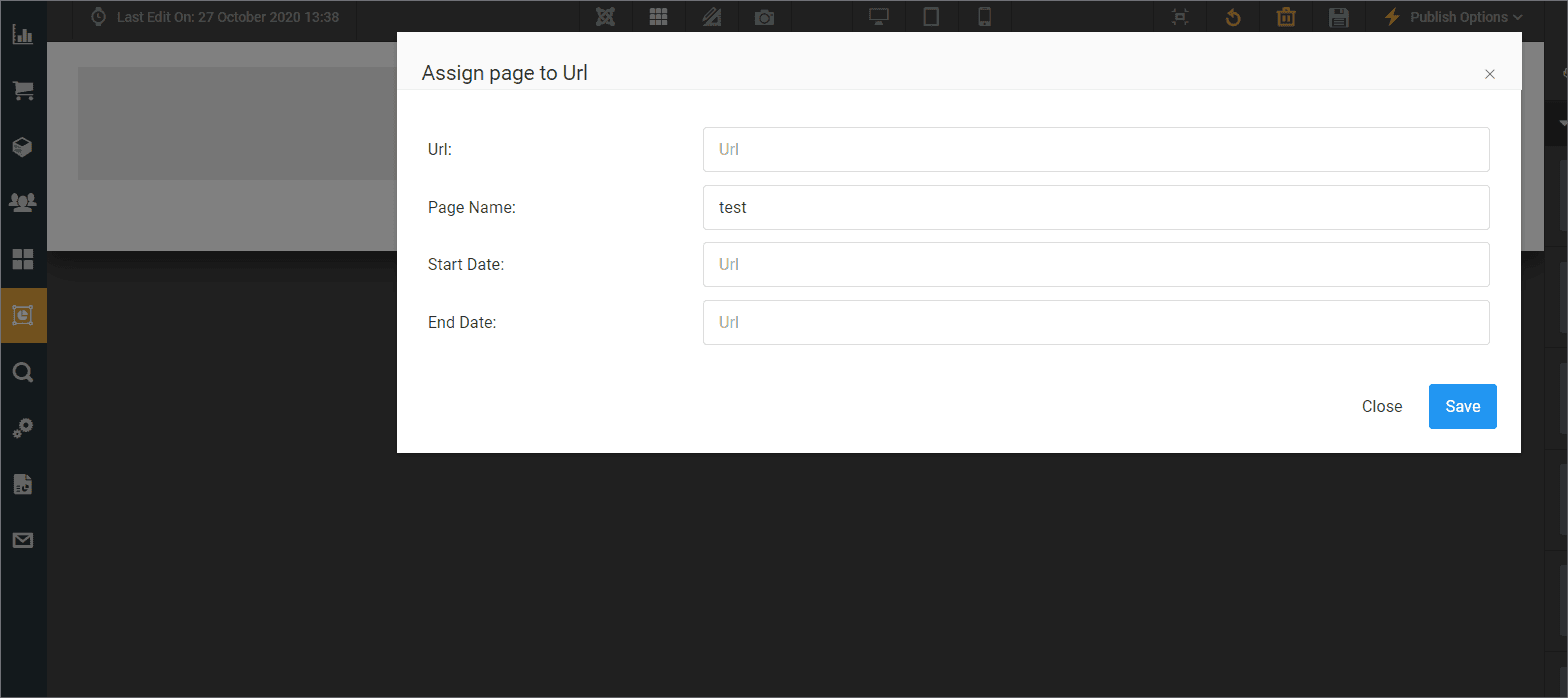
Confirm the publication details and click "Confirm" to finalize.
How is this guide?
Last updated on