Manage customers
The section looks at how to filter to find a customer and how to view and edit cutomer details.
Note
It's not possible to change customers addresses in the customers area as this may affect orders in progress. Addresses can be altered in orders.
How to filter customers?
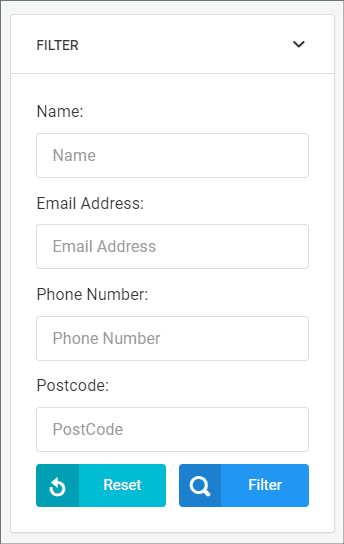
Customers are listed from order newest to oldest, this can be reversed, rather that search through the list there is the option to Filter Customers. Customers can be filtered by name, email address, postcode or phone number using the right hand filter that looks like the below:
Edit a customers details
Find a customer using the filter.
Click Edit next to the customers details
A modal will slide from the right
Change the customers name, phone number or email address.
Click Save
View customer orders
Find a customer using the filter.
Click view orders next to the customers details.
You will be taken to their orders in manage orders.
How is this guide?
Last updated on
Overview
Overview of customers features in Remarkable Commerce Manager. to manage customer data such as name, contact details and addresses, this information comes from account sign ups on the Retailers website. The customers section of Remarkable Commerce, allows the retailer to change First name, last name, contact numbers and email addresses, there is also the option to view orders from the customer. There is also the option to message the customers and manage testimonials.
Manage gift cards
How to filter, create edit and delete gift cards in the RCM admin.