Overview
Monitors are the main workspace in Signal — named groups of related prompts you set up and review together.
Monitors are where you actually set up and review tracking. Each monitor groups related prompts together (e.g. by product category, region, or topic) — for example "Running Shoes UK" or "Best CRM for Startups."
Creating a monitor
Click Add Monitor
From the Monitors page, click Add Monitor.
Name it
Give the monitor a name and an optional description.
Add prompts
Once created, add the prompts you want to track within it.
Monitor card list
The Monitors page shows each monitor as a card with at-a-glance metrics: prompt count, models in use, and trend charts.
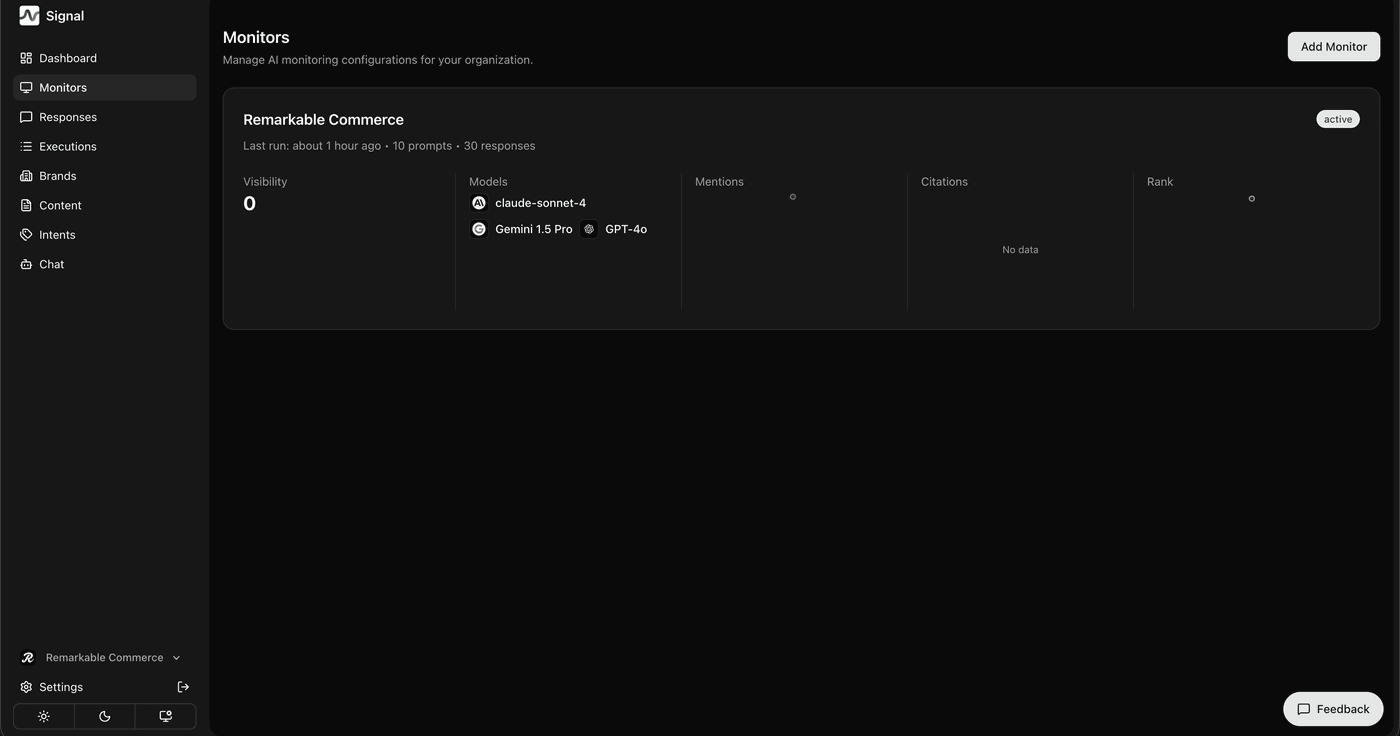
Each card summarises visibility, models in use, mentions, citations, and rank — so you can scan the health of every monitor without opening a single one.
Click into any monitor to reach its eight detail tabs — see Inside a monitor.
How is this guide?
Last updated on