Brands
Tell Signal who to track — your own brand, competitors to benchmark against, and brands to ignore.
The Brands page is where you tell Signal who to track. Add a brand with a name, URL, and a relationship type:
Own brand
Your company — the brand whose AI visibility you want to grow.
Competitor
A rival you want to benchmark against in AI answers.
Ignored
A brand that comes up but isn't relevant. It's tracked internally but excluded from charts and reports.
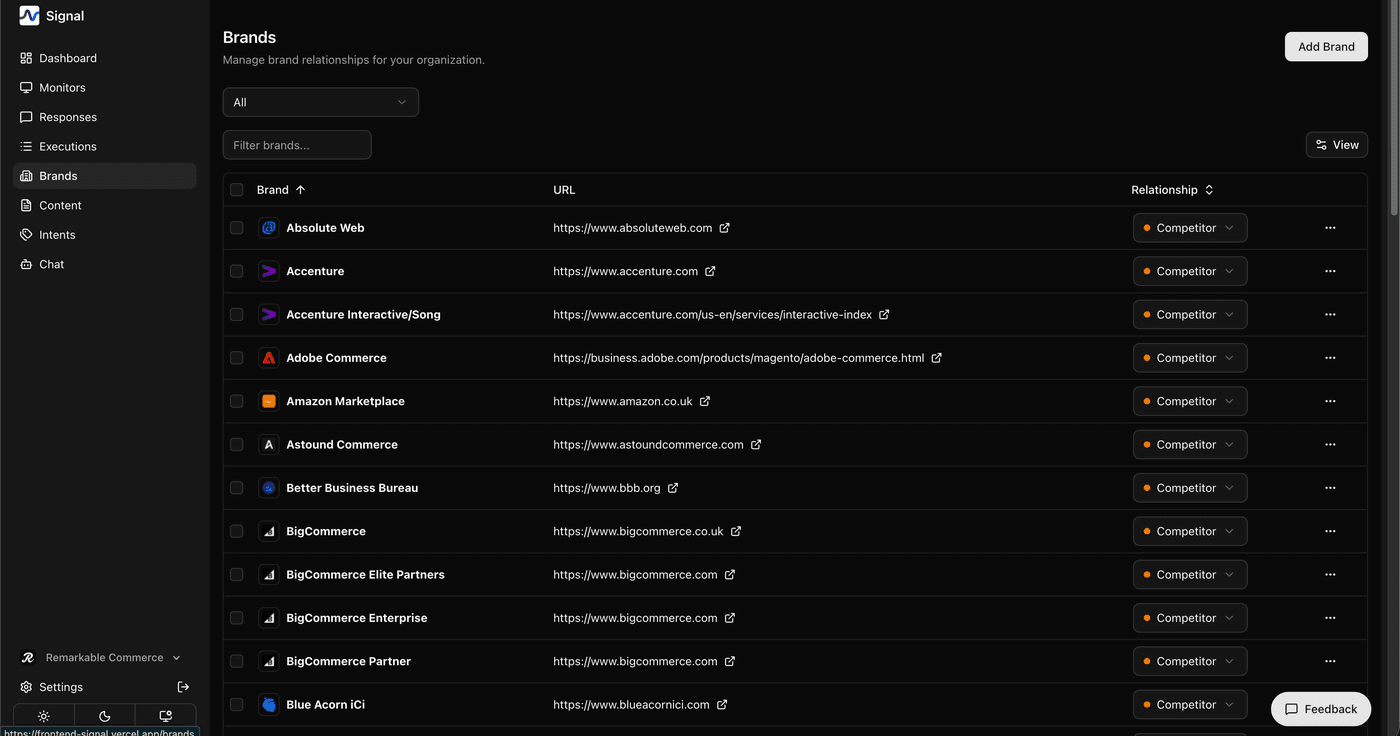
Building your brand list
You don't have to add everything by hand. Signal has two ways to help:
RETA brand discovery
If you haven't added competitors yet, RETA can do it for you. Give it your website URL and it analyses your business, then suggests a starter list of relevant competitors — which you can review before they're added.
Auto-discovery from responses
As AI responses come in, Signal automatically detects brand names mentioned in them and adds new ones to your list. You can review and reclassify or ignore these at any time.
The URL you give your own brand is also what RETA uses for brand discovery and content research — so keep it accurate.
How is this guide?
Last updated on