Responses & Executions
The organisation-wide views that mirror a monitor's tabs, but pulled across every monitor at once.
These pages mirror what you see inside a monitor, but pulled across every monitor at once. They're the place to go when you want the big picture rather than a single tracking configuration.
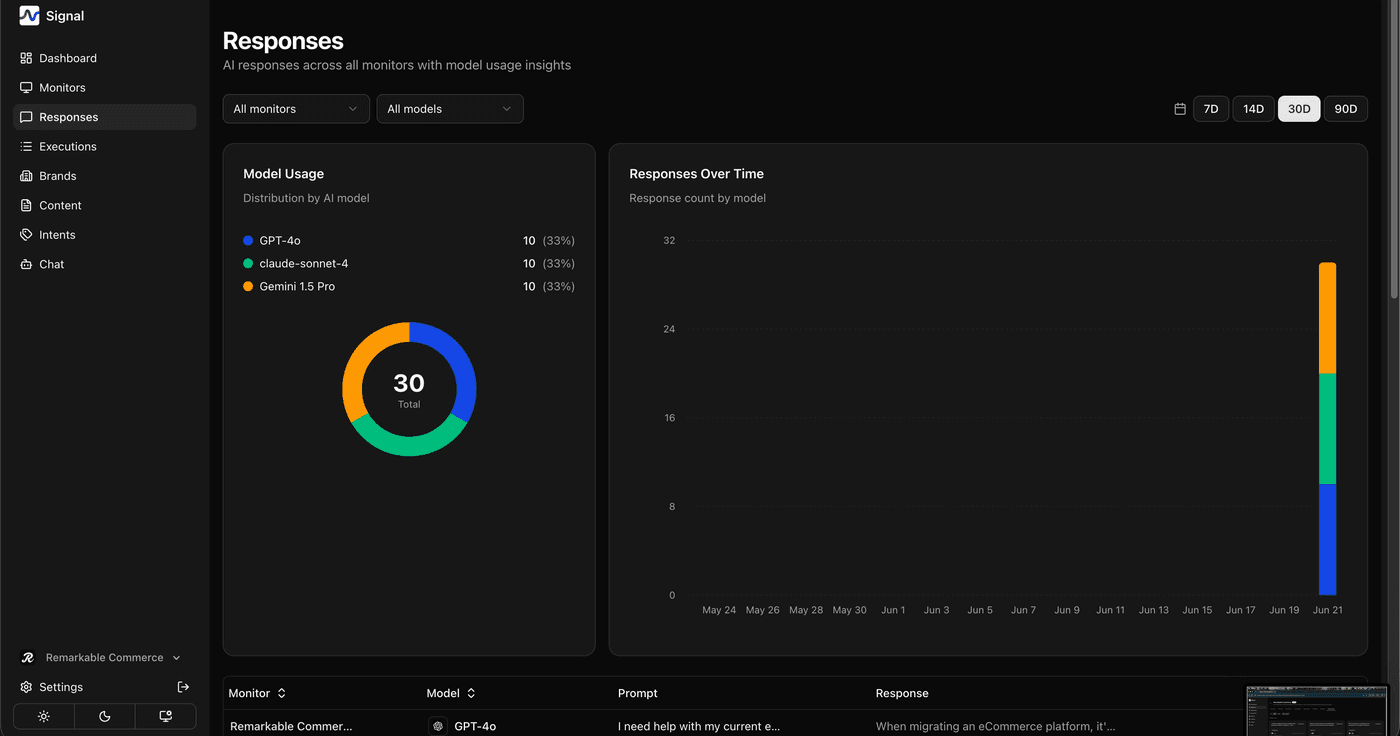
Responses
Browse every AI response with filters for monitor, model, sentiment, and date.
Executions
A full run log with status counts — successful, failed, and pending — so you can spot problems quickly.
Citations
Live inside the Dashboard's Citations tab, showing which sources AI models pull from most often.
The Executions status counts are the fastest way to catch a provider outage — if failures spike, you'll see it here before it skews your other analytics.
How is this guide?
Last updated on